
Small Business Website Design in Los Angeles
Give customer interest a clear place to go. Fourth Wall designs and develops business websites around useful service information, relevant imagery and a straightforward next step, helping visitors understand the offer and find what they need whether they arrive at the homepage or a specific service page.
BUSINESS GROWTH
Help visitors make progress
A visitor may arrive through search, social content or a recommendation and still leave unsure what your business offers. The website needs to carry that interest forward: explain the relevant service, answer the questions that affect fit and make the next step understandable.
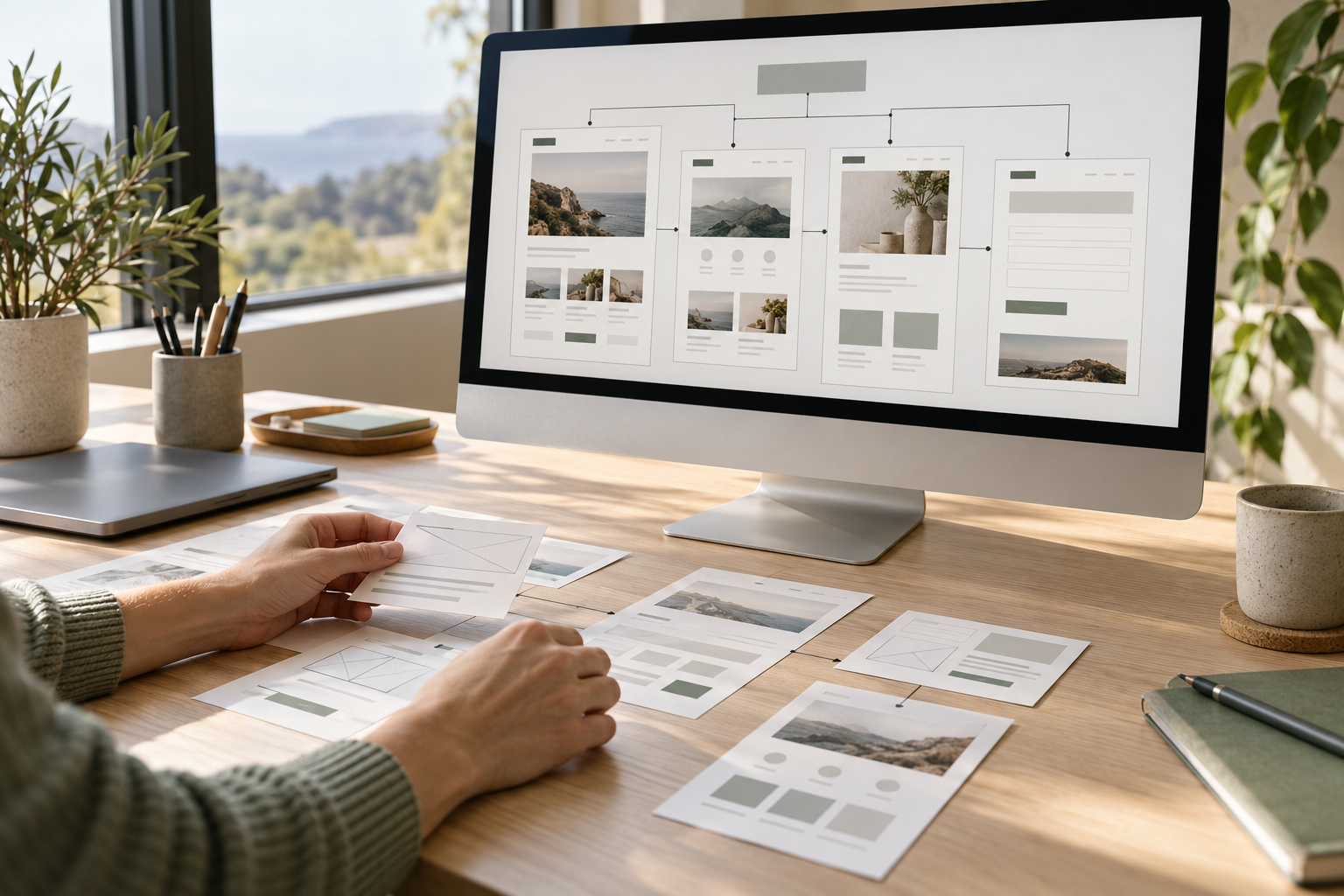
That work involves more than the look of a page. Information needs a sensible order, navigation needs to match customer needs, and contact routes need to be easy to find and use. Planning the structure, copy and media together helps those pieces support one another. It also provides a clearer basis for future updates, because each page has a defined purpose within the wider site.
LOS ANGELES PERSPECTIVE
Give every page a job
A homepage should help people understand the business and choose a relevant path. A service page should explain who the offer suits, what the work can involve and what to discuss next. A contact flow should make clear what someone is requesting and which information is useful to provide.
Those roles help prevent the same broad introduction appearing everywhere while practical questions remain unanswered. They also make design decisions easier. A page helping visitors compare services needs different emphasis from one helping them prepare for an appointment.
Start with those decisions before adding visual effects or expanding the page count. A smaller, well-organized structure can be more useful than a larger site full of overlapping material. Where repeated layouts are appropriate, a content management system can support consistency while each page still contains information specific to its subject.
WHAT WE DO
What your project can include.
Give Every Page a Clear Role
Assign each page a customer decision: understand the business, compare a service or make an inquiry. Keep existing useful URLs and identify where information is missing.
Design Around How Customers Actually Browse
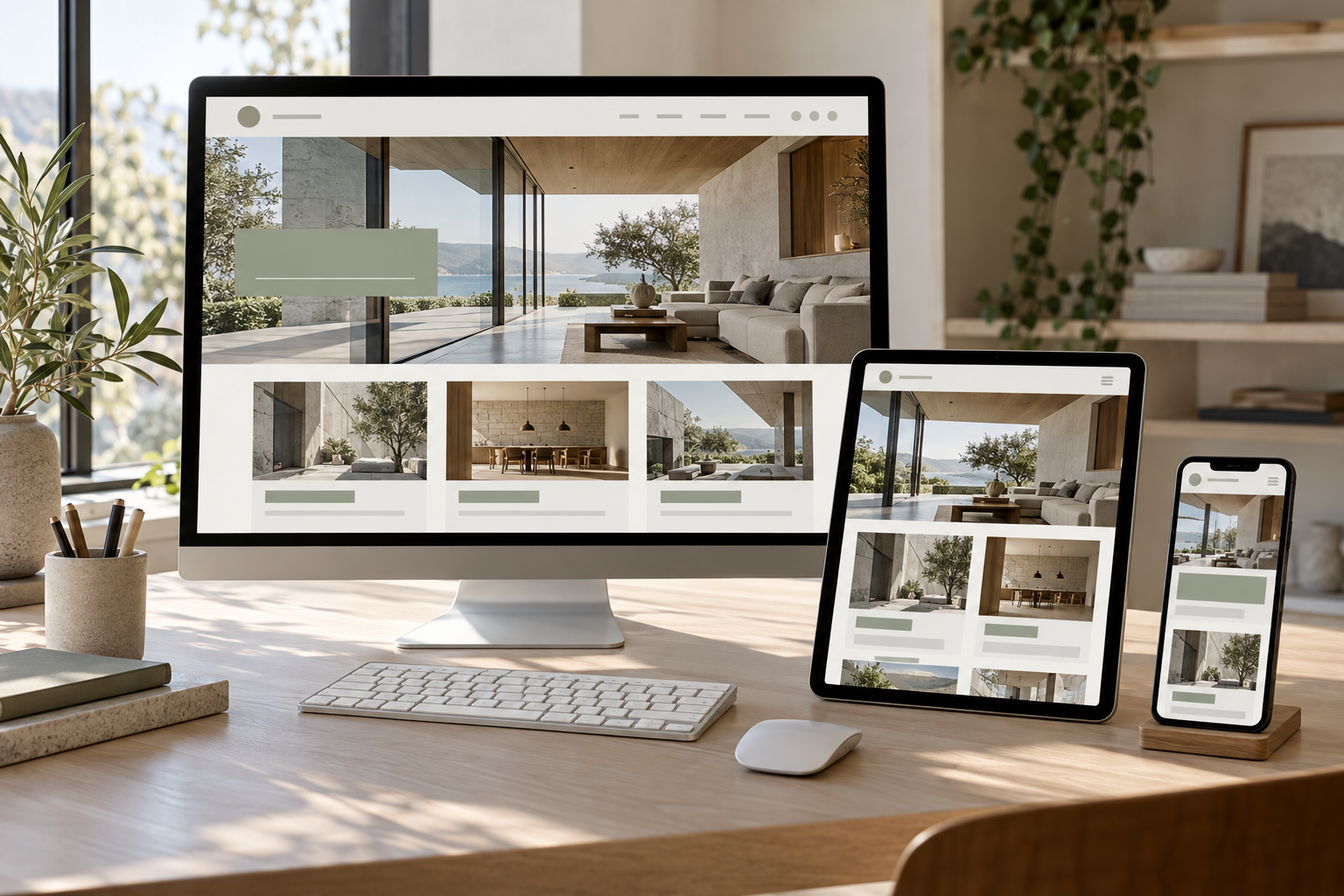
Use readable type, clear headings and relevant imagery to support that decision on desktop and mobile. Review the important information before adding visual effects.

Make the Path to Inquiry Clear
Check the route from the service page to the form and the person receiving it. Agree the required fields, integrations and any booking functions explicitly.
Give your business a clear website that connects real work, useful service information and a straightforward way to get in touch.
What the work can cover
01
A page and customer-journey plan
Define the main visitors, page roles and routes to useful information so the structure reflects how customers choose.
02
Content and media planning
Organize service details, approved evidence, imagery and calls to action, with clear responsibility for supplying and reviewing each input.
03
Brand-aligned page design
Develop readable layouts with a consistent visual direction and considered behavior across the intended screen sizes.
04
Pages, CMS and agreed functionality
Build the approved page scope and defined editing features, with integrations assessed individually against the project requirements.
05
Quality checks and handoff
Review priority journeys, forms and links, then agree editing responsibilities and what support, if any, continues after launch.
From page plan to a checked customer journey
01
Map the structure and requirements
Review the existing site, priority audiences and needed functions. Agree page roles, important URLs and the main paths to inquiry.
02
Review content and design together
Develop the proposed structure, copy direction and layouts. Your team confirms business details, assets and the decisions needed before the build.
03
Build the approved scope
Implement the agreed pages, editing features and supported integrations. Keep any new requirement visible so its effect on scope can be discussed.
04
Test the paths and hand over
Review intended devices, navigation, forms and links. Confirm launch responsibilities, editing access and the agreed approach to future updates.
Illustrative planning example. This is not a client project or a reported result.
Example: a service-led page map
For a business with two distinct services:
• Home: explain the business and help visitors choose a service
• Each service page: cover fit, scope, practical questions and inquiry requirements
• Project example, if evidence is available: show relevant work with permission
• Contact route: ask for the details needed to begin that service conversation
Test the journey from each service page directly, since visitors may never see the homepage.
LOS ANGELES PERSPECTIVE
Write for the way local customers arrive
A Los Angeles customer may enter the website through a specific service page without seeing the homepage. That page should provide enough context to explain the business, where the service is available and how to take the next step.
Location information needs to describe the real operation. A business address, a customer-facing premises and a travel area are different details; explain the ones that apply. Useful directions, appointment information and service boundaries help people assess fit. Additional location pages should earn their place through relevant content rather than repeating the same paragraph with a different neighborhood name.
Improve the important pages or rethink the structure
A focused website refresh
A practical starting point when the platform and structure work but priority pages, content or inquiry steps need improvement.
A broader rebuild
Worth considering when the current structure or required functionality prevents the site from supporting how the business now operates.
What to bring to the conversation
• Your current website and the person who controls access
• Required pages, functions, integrations and important existing URLs
• Available brand assets, copy, imagery and approved examples
Questions before a website project
Is a refresh enough or is a rebuild needed?
Start by identifying what is preventing customers or your team from using the site well. Unclear copy or weak priority pages may suit a focused refresh. A structure that cannot support the offer or required functionality may need broader work. Review the existing platform, content and URLs before deciding how much to replace.
Who provides copy, images and brand assets?
Responsibilities are agreed in the brief. Your team supplies or confirms accurate business facts and any existing assets it is entitled to use. Copy development, photography, video or brand work can be discussed alongside the site. Identify missing material early so layouts are designed around a realistic content plan.
What determines the page count and project scope?
The offer, customer questions, existing content and required functions determine the useful structure. Repeated services may share a layout but still need distinct information. Booking tools, custom interactions, CMS requirements and integrations also affect scope. Agree those needs before treating a page count as a complete description of the project.
How are mobile, accessibility and form checks handled?
Agree the priority devices, browsing paths and review requirements in the project brief. Checks can cover readable layouts, keyboard use, labels, contrast, navigation and form behavior, including where submitted inquiries go. The depth of accessibility review should be explicit; a general website build should not be presented as a formal compliance certification.
What can the team edit after handoff?
That depends on the chosen platform, CMS structure and access agreed for the project. Identify the content your team expects to change regularly, such as service details, team information or examples, before the build. The handoff should explain those editing areas and distinguish them from layout or functionality changes requiring additional work.
How are hosting, maintenance and integrations scoped?
Discuss account ownership, platform subscriptions, domain responsibilities and support separately from the page design. Each integration needs a defined purpose, access owner and feasibility review. The agreement should make clear who maintains content and systems after launch, what ongoing work is included if any, and which third-party costs remain the business’s responsibility.
Connected services
Brand Strategy & Creative Direction
Clarify positioning, messaging and visual direction when the website needs a stronger brand foundation.
SEO & Website Content
Develop deeper service information when customer questions and search-oriented page content need dedicated attention.
Business Photography
Plan original photography around the page layouts so the finished site shows the actual business.
Where does your website leave people unsure?
Bring your site, the questions customers ask and the functions your team needs. We can discuss the most useful starting point and the work it requires.