
Google Maps Virtual Tours for Los Angeles Businesses
Help prospective customers understand your premises before they visit. Fourth Wall plans 360° capture around the entrance, layout and customer-facing spaces that matter to their decision, with Google Maps placement, website use and available viewing features confirmed for the particular location and project.
Google Maps placement, connected viewing features and website use depend on the destination, access and project requirements confirmed before production. A tour is a customer-facing media asset; it does not guarantee higher Maps rankings.
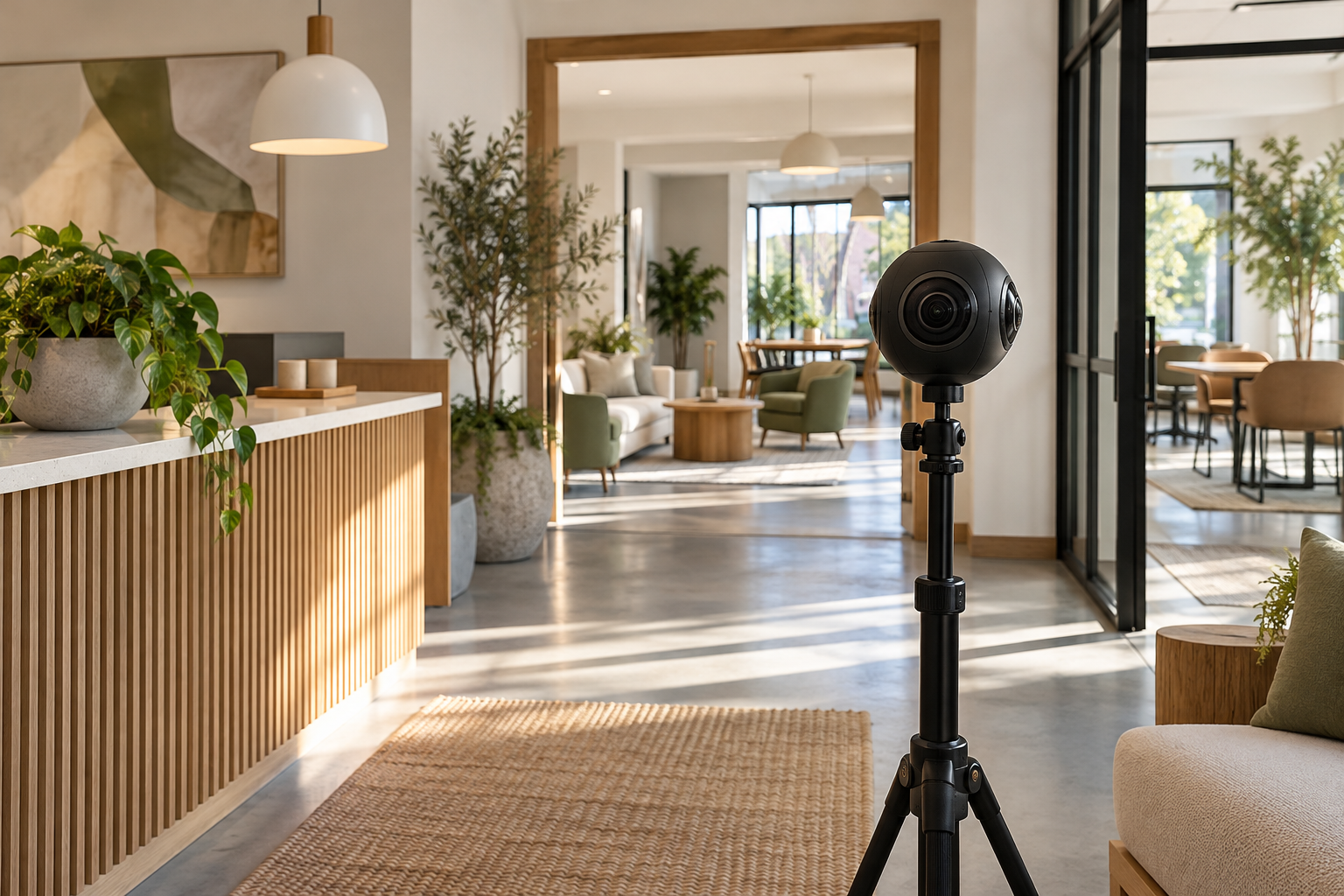
BUSINESS GROWTH
Let people assess the space before making the trip
When a room, layout or atmosphere is part of the offer, still photographs may leave practical questions unanswered. A prospective guest may want to understand how areas connect. A studio customer may want a clearer view of the working environment. A virtual tour can provide additional visual context for that decision.
The right starting point is whether the premises are useful and appropriate to show. A customer-facing venue may benefit from an explorable view, while a business delivering work at other people’s locations may need a different kind of media. We consider the visitor’s questions, the areas available for capture and the intended viewing destination before defining a tour.
LOS ANGELES PERSPECTIVE
Show the route a visitor actually needs
A useful tour begins with orientation. Someone should be able to recognize the arrival point and understand how the main customer-facing areas relate to it. More viewpoints are only helpful when they add information: a connecting room, a different view of the working space or a feature relevant to the visit.
The route should also have clear boundaries. Private offices, documents, screens and areas outside the customer experience may need to be excluded or prepared carefully before capture. A 360° viewpoint sees around the room, so preparation needs to extend beyond the direction a conventional photograph would face.
Some questions still need written answers. A tour cannot by itself confirm dimensions, booking conditions or accessibility requirements. Pair the visual experience with accurate information from the business, and invite customers to check specific needs directly rather than drawing conclusions from imagery alone.
WHAT WE DO
What your project can include.
Map a Route Around Visitor Priorities
Choose viewpoints that explain the arrival point, main public areas and connections between rooms. Include another view only when it helps a visitor assess the space.
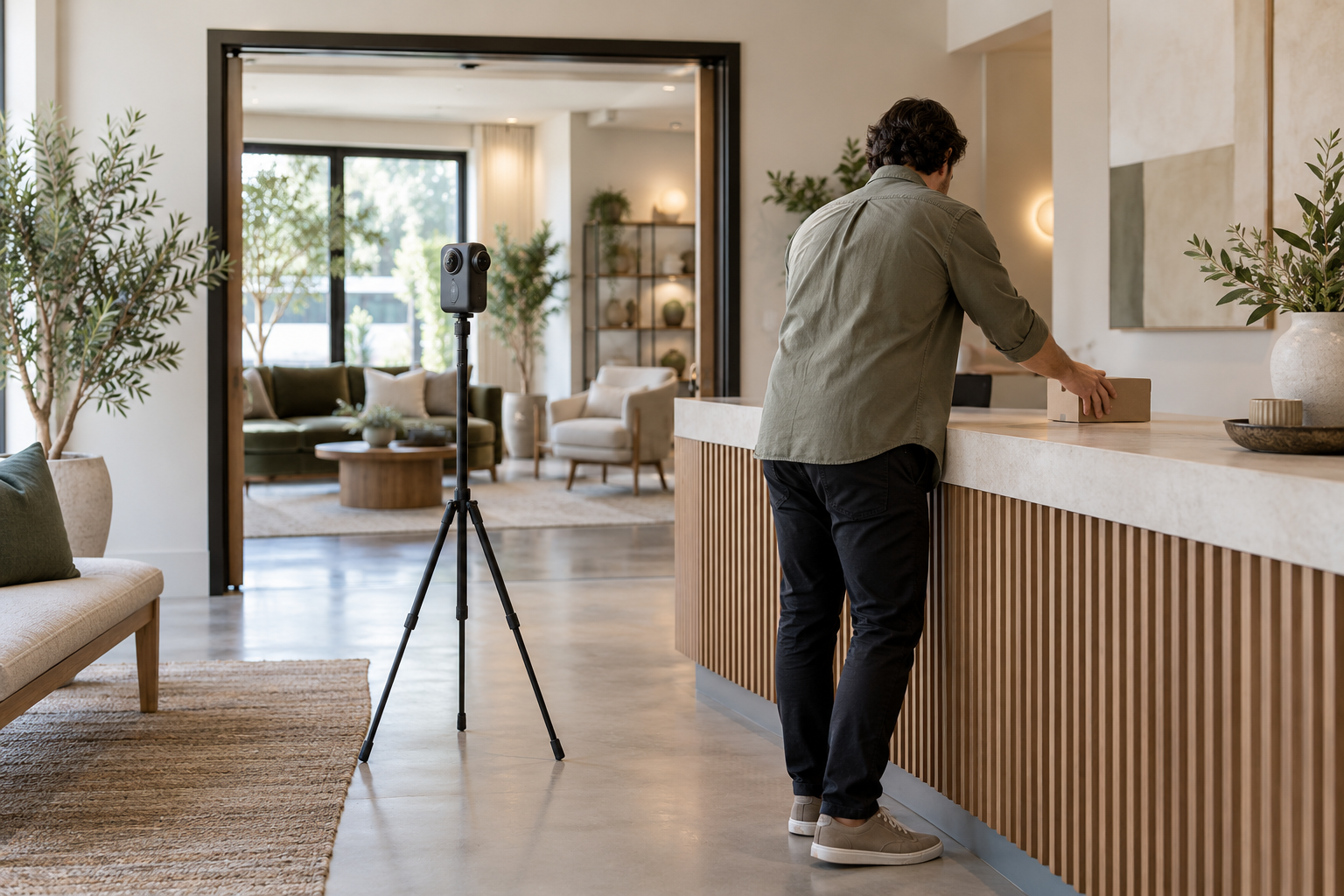
Prepare the Space for Public Viewing
Check the full 360° view, including reflections, screens and documents. Agree restricted areas and participant arrangements before capture.
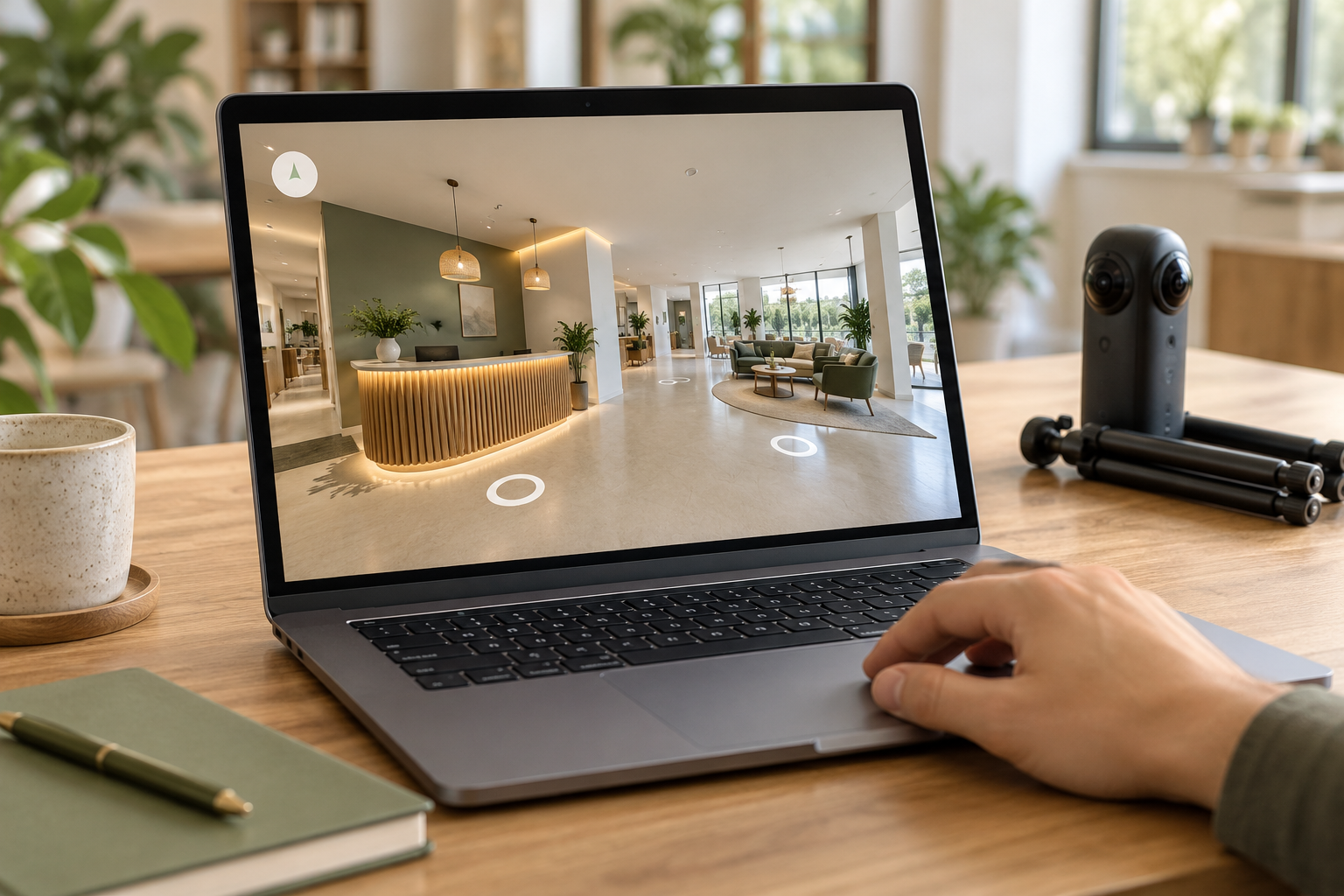
Confirm Placement and the Viewing Experience
Confirm the intended Google Maps or website destination and supported viewing features before production. Identify the account owner, required access and responsibility for future updates.
Help customers understand your real premises before a visit with a carefully planned 360° walkthrough.
What the work can cover
01
Location and destination review
Confirm the premises, relevant listing, account responsibilities and intended viewing route before committing to publication arrangements.
02
A visitor-focused capture route
Select the arrival point and customer-facing areas that help someone understand the space without unnecessary repetition.
03
Preparation and privacy planning
Agree staging, participant arrangements and restricted areas, with attention to everything visible around the camera.
04
360° capture of agreed spaces
Photograph the approved viewpoints so the collection represents the real location and the areas covered by the brief.
05
Supported placement and handoff checks
Review the viewing experience and agreed publishing destination, with features, account responsibilities and any website use confirmed for the project.
Confirm the destination, then plan the capture
01
Check suitability and access
Review the location, proposed publishing destination and responsible account owner. Identify limitations or unanswered placement questions before capture is agreed.
02
Prepare the viewing route
Choose public areas, viewpoints and exclusions. Your team confirms the layout, privacy arrangements and when the space will be ready.
03
Capture the approved premises
Record the planned views with attention to the location’s actual condition, room connections and agreed boundaries.
04
Review the experience and handoff
Check the captured material and supported placement. Confirm the viewing route, known limitations and responsibility for future changes before completing the agreed handoff.
Illustrative planning example. This is not a client project or a reported result.
Example: a customer-facing studio route
A sample capture plan follows the visit:
1. Recognizable arrival point
2. Reception and its connection to the main room
3. Public workspace and relevant details
4. A clear stopping point before private offices and storage
Supporting text supplies appointment information and a contact for specific access needs. The route and available viewing features must be checked for the chosen destination.
LOS ANGELES PERSPECTIVE
Arrival deserves a place in the brief
For an in-person Los Angeles business, finding the right entrance can matter as much as seeing the main room. A premises may share a building, sit behind another frontage or have a customer entry that differs from its service access. Use the real arrival instructions to guide the proposed route.
The capture should also reflect the layout customers will encounter. If renovation, furniture changes or a move are approaching, discuss timing before recording the space. Any statements about parking, access or facilities should come from confirmed business information rather than assumptions made from a panoramic view.
Create a first tour or update an outdated view
A first tour
Consider this when a public-facing space materially affects the decision to visit and the intended viewing destination is suitable.
A premises update
Consider a refresh when the entrance, connected rooms or customer experience has changed enough to make existing imagery misleading.
What to bring to the conversation
• Location and business listing details, including the account owner
• The customer-facing areas, restricted spaces and intended viewing destination
• Layout changes, readiness dates and access constraints
Planning a suitable virtual tour
Is the location suitable for a virtual tour?
It is most useful when people choose the business partly because of the physical environment and there are appropriate customer-facing areas to show. Discuss whether the layout adds meaningful context and whether privacy can be managed. A service-area business may be better served by project photography, team media or a process video.
What access is needed for publishing?
Access depends on the destination and publishing workflow selected for the project. Identify who controls the business listing, publishing account and website, then confirm the minimum access and approvals needed. Capture alone does not establish that a particular listing, website or display can be changed.
How should the space be prepared?
Present the premises as customers should expect to find them. Prepare the approved areas, remove private documents and screens, and check reflections. Confirm excluded rooms. Because the camera captures around itself, items behind it also need attention; preparation should cover the full intended view.
What about customers, staff and private areas?
Plan capture so people and private information are not exposed unintentionally. Agree participant permission and whether the shoot should happen during a quiet or closed period. Restricted areas need explicit boundaries. Sensitive documents and screens should be removed or covered before capture rather than relying on an assumed later correction.
Where can the tour be viewed or embedded?
The intended destination and supported features are checked before the scope is finalized. Google provides routes for publishing 360° photos and connecting them through third-party tools, but a specific placement or viewing experience is not guaranteed. Website display or embedding is a separate requirement to confirm against the chosen setup.
When should an existing tour be updated?
Review it when meaningful changes affect the visit: a new entrance, rearranged rooms, a renovation or a changed public area. Compare the tour with the current premises and supporting information. Update responsibilities and new capture are scoped separately, with accuracy reviewed by the business.
Connected services
Business Photography
Add carefully composed still images for entrances, details and placements where an interactive view is unnecessary.
Local SEO & Google Business Profile
Coordinate accurate profile and local business information so the visual experience sits alongside a clear account of the business.
Website Design & Development
Plan where a supported tour or viewing link belongs in the website journey and what written information should accompany it.
Would seeing the space help someone choose?
Bring the location, visitor questions and intended destination. We can discuss whether a tour is suitable and what needs confirming before capture.